SuperSplat Viewer
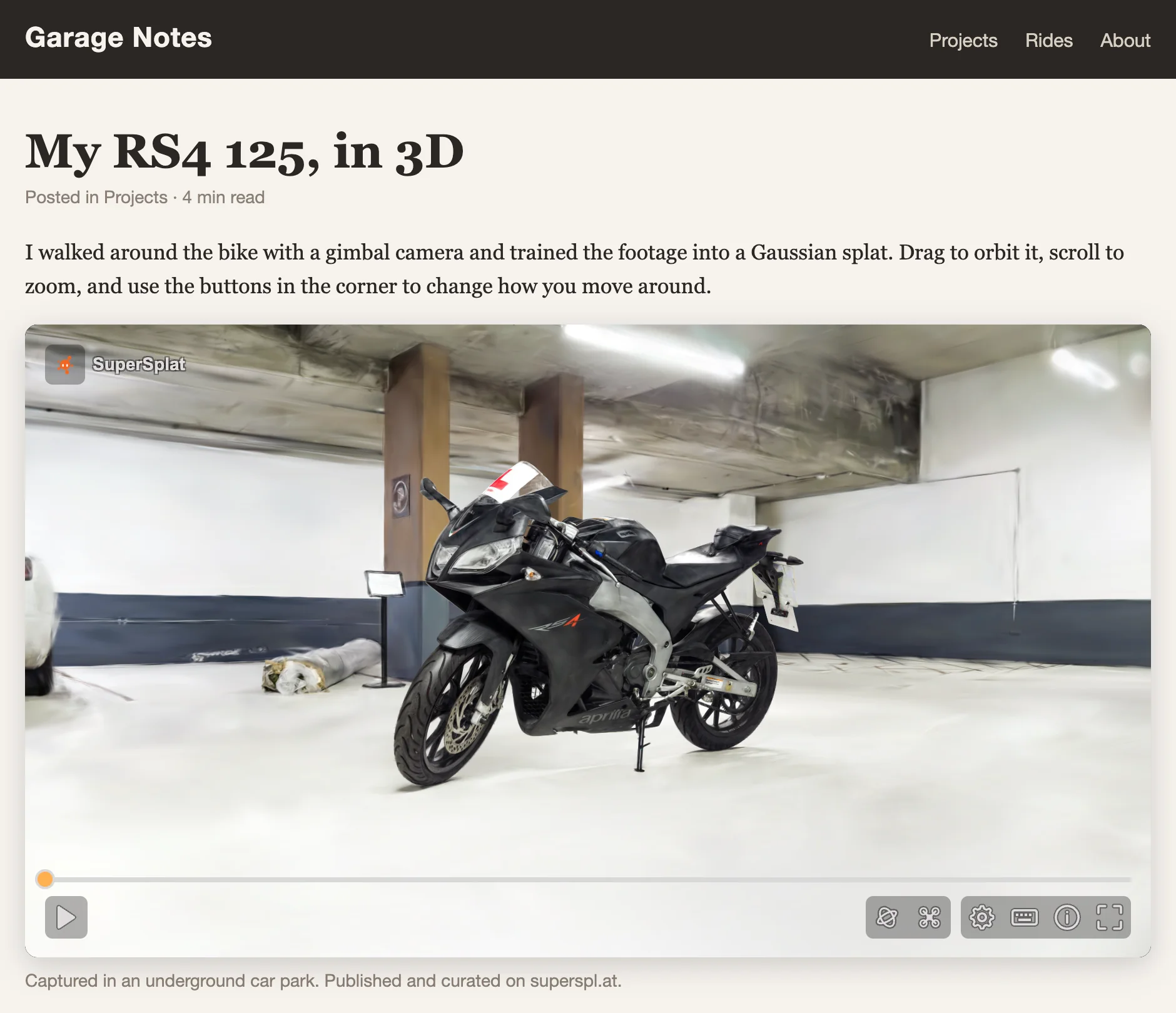
The SuperSplat Viewer is the open-source web viewer that renders every scene page on superspl.at. It takes a splat plus a settings JSON document and turns them into an interactive 3D experience: orbit, fly and walk camera modes, annotations, camera animations, post effects, collision for walkable scenes, and VR and AR on devices that support WebXR.
The viewer is open source on GitHub under the MIT license and is distributed on npm as @playcanvas/supersplat-viewer.
Using the viewer
Visitors see the same viewer wherever it runs: on a scene page, in an embed, or in a viewer exported from the Editor.
- Viewer Controls — the toolbar, camera modes, the controls, settings and info panels, keyboard shortcuts and annotations
- Viewing in VR and AR — entering a session, teleporting, grabbing and scaling, placing a splat in AR, and the hand menu
When to use the viewer directly
The published scene page on superspl.at is usually the easiest way to share a splat. Reach for the viewer directly when you want:
- A page without superspl.at chrome. Embed the viewer in your own website, app, or product with your own surrounding UI.
- Full control over how the viewer is configured. Override the settings, content, skybox, poster image or collision via URL parameters, your own
settings.json, or code. - Control from your own code. Create viewers inside your web app, drive playback, the camera, annotations, fullscreen and XR, or replace the built-in UI with your own.
- A self-contained, offline-friendly bundle. Use the Editor's HTML export to ship a single-file viewer alongside the splat.
- Independence from superspl.at. Self-host the viewer on your own infrastructure — no requests back to PlayCanvas servers at runtime.
Ways to use it
| Form | Use when |
|---|---|
| Embed from superspl.at | The splat is published on superspl.at and an <iframe> is enough. Use the Embed dialog on its scene page. |
| HTML export from the Editor | You want a self-contained .html (or a .zip of the viewer plus the splat) that you can email, drop on a USB stick, or host on GitHub Pages. See Self-Hosting the Viewer. |
| The prebuilt viewer from npm | You want to serve the viewer's files yourself and point each page at a splat and settings.json with URL parameters. See Embedding the Viewer. |
renderViewerHtml | Your server or build generates the page around the viewer, with the asset URLs and settings filled in. See Embedding the Viewer. |
createViewer | Your web app owns the page and creates, controls and destroys viewers itself. See Viewer API. |
Every form reads the same Experience Settings JSON, so anything you authored in Studio carries through.
See also
- Viewer Controls — how visitors navigate a scene
- Viewing in VR and AR — headsets and AR on phones
- Embedding — npm package, URL parameters, generated pages, settings.json
- Viewer API —
createViewerand controlling a viewer from code - Self-Hosting — exporting a single-file HTML viewer from the Editor
- Experience Settings — the JSON contract that drives the viewer